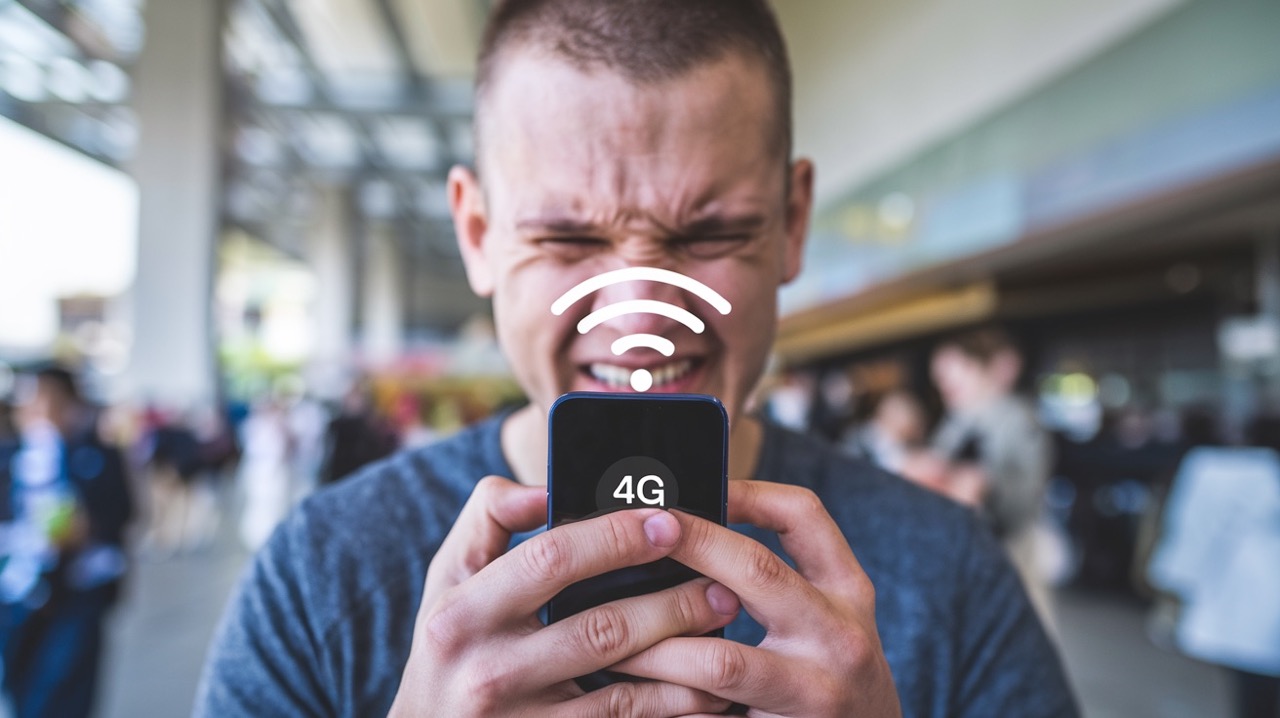
Are you searching for an "Android signal booster app"? Here’s the truth: no app can physically boost your phone’s antenna. But don’t worry — in this guide, we’ll show you what actually works, including proven Android settings you can apply right now, and explain how genuine 4G signal boosters improve signal strength for EE, Vodafone, O2, and Three subscribers.
Why Your Android's 4G Signal Is Weak: Common Causes
- Distance from cell tower: Places that are in rural locations or far from any network structure have natural weaker signals.
- Obstacles to transmission: Solid materials like walls and roofs, thick vegetation, and metal can block radio waves.
- Overload of network: High-traffic times for urban areas reduce speeds despite full signal bars.
- Wrong configuration on Android: The wrong network mode and APN setup affect performance.
- Problems with SIM card or phone: Older SIM cards and outdated firmware can hinder reception.
- Metal casing in phones: The casing may interfere with the connection of the phone to its internal antenna.
Signal Booster Apps for Android: Do They Work?
Google Play hosts hundreds of apps claiming to "boost 4G signal", "improve network", or "increase internet speed". Unfortunately, software cannot override hardware physics. Your phone's antenna has fixed physical limits — no code can amplify radio waves, as confirmed by Android developer documentation on hardware access restrictions.
Why "Booster Apps" Don't Work
- Hardware limitation: Signal amplification requires radio-frequency components, not software. Android apps run in user space and don’t have access to radio module controls.
- Permission risks: Many "booster" apps request excessive permissions, potentially containing adware or malware.
- Placebo effect: Apps may refresh the connection or clear cache, giving temporary perception of improvement.
- Battery drain: Background processes often consume power without delivering results.
- Fake signal indicators: Some apps display manipulated "signal bars" that don't reflect real dBm strength.
What Legitimate Apps Can Do
While apps can't amplify signal, they help diagnose and optimise:
- Signal monitoring (dBm): Network Cell Info or OpenSignal measure the signal level in decibels accurately.
- Cell tower locator sites: Locate the nearest towers that can help you set up your device or external antenna optimally, using information from the CellMapper user database.
- Speed testing tools: Ensure accurate speed after tweaking your configurations or hardware installations.
Apps vs. Real 4G Boosters: Side-by-Side Comparison
| Feature | Signal Booster Apps | Real 4G Signal Boosters (Hardware) |
|---|---|---|
| Signal amplification | Impossible (software limit) | Up to 32× (30 dB gain) |
| Coverage area | Device-only | 300–5,000 sqm (model-dependent) |
| Speed improvement | None (may even slow the device) | 5–10 Mbps → 50–100 Mbps |
| Call quality | No impact | Clearer VoLTE calls, fewer drops |
| Multi-device support | Single device only | 10+ devices simultaneously |
| Long-term reliability | Temporary "fixes", frequent updates | Permanent solution, 2+ year lifespan |
How to Boost 4G Signal on Android
Before spending on any new hardware, check out these tried-and-tested tricks for Android that will not take you more than 5 minutes to implement:
- Set Preferred Network Type to 4G/LTE Only
Settings → Network & Internet → Mobile Network → Preferred network type → 4G/LTE only - Verify or Reset APN Settings
Settings → Mobile Network → Access Point Names (APN) → Reset to default - Toggle Airplane Mode to Reset Connection
Activate for 10 seconds, followed by deactivation. Will ensure re-registering the phone to the closest cellular station; works especially well for travelers or in busy areas. - Disable Battery Saver for Background Data
Settings → Battery → Battery Saver → Exclude essential apps - Clear Cache Partition (Advanced)
Under certain Android operating systems, clearing the cache from within the Recovery Mode can help fix problems with connection issues without losing any information.
Still weak signals? These settings optimise what you have — but can't create a signal. For permanent improvement, see hardware solutions below.
How Real 4G Signal Boosters Work: Hardware vs. Software
Unlike apps, a certified 4G mobile signal booster uses physical RF components to capture, amplify, and rebroadcast mobile signals. Here's the science:
- External antenna: Fixed outside (on the roof, window, or vehicle), receives the weakest possible signal even if it is only one to two bars from the nearest base station.
- Amplifier unit: Increases the strength of the received signal by a factor of up to 32 (30 decibels).
- Internal antenna: Transmits the amplified signal across the designated area.
Real-World Performance Metrics of Boosters
- The signal strength goes from 1-2 bars (-95 dBm to -110 dBm) to 4-5 bars (-50 dBm to -75 dBm).
- The coverage range is improved from weak signal areas up to approximately 3,200–54,000 square feet, depending on the device.
- The download speed goes from 5-10 Mbps with buffering to 50-100 Mbps with no buffering.
- The call quality is upgraded from dropped calls to clear voice over LTE with minimal disruptions.
- The supported devices go up from 1-2 stable devices to 10+ devices simultaneously.
- The latency is decreased from 80-150 ms to 30-60 ms which makes it easier to make video calls.
Not that results may vary based on outdoor signal availability, installation quality, and booster model.
Physical Factors That Affect 4G Signal on Android
Software tweaks help, but physics matters most. Consider the following:
- Antenna placement on device: Holding your phone differently can change reception by 3–5 dBm. Avoid covering the antenna zone, usually top/bottom edges.
- Case material: Metal, carbon fibre, or thick rubber cases attenuate signal. Test without case for comparison.
- Building materials: Concrete, metal framing, and low-E glass block RF signals. External antennas bypass these barriers.
- Distance and terrain: Hills, forests, distance from towers reduce signal. Boosters compensate by amplifying available signals.
- Weather effects: Rain or snow may affect high-frequency bands, such as 2100/2600 MHz.
- Network improvement: The carriers constantly re-farm spectrum. Confirm that your booster is compatible with all UK 4G frequency bands: 800, 900, 1800, 2100, 2600 MHz.
Ways to Select the Right 4G Signal Booster for Your Needs
Use this checklist to select a future-proof, compliant device:
Essential Criteria
- Select a booster that suits the coverage area; for instance, 300m²-800m² for smaller coverage or 2000m²-5000m² for larger areas.
- Verify whether the device is compatible with UK networks and important frequencies.
- The device needs to have CE and RoHS approval for health and safety reasons.
- A high gain means better performance in low signal reception but power should not exceed UK standards.
- Futureproofing could be achieved through 4G/5G-capable devices.
- All kits include everything needed for easy self-installation, with no complex setup required.
Red Flags to Avoid
- "Unlimited gain" claims (physically impossible).
- No CE marking or regulatory documentation.
- Vendors unwilling to provide frequency specifications.
- Prices significantly below market average (likely counterfeit).
- Apps claiming "signal boost" without hardware components.
Critical Installation Factors for Seamless Performance
The performance of even the most efficient booster will be subpar if it’s been installed incorrectly. Here are some professional installation tips that you may use:
- Outdoor signal assessment: Utilise an outdoor signal metre app to identify a location with the highest outdoor signal.
- Antennas separation: Separate the external and internal antennas by at least 10 meters vertically or 15 meters horizontally to avoid oscillation.
- Cables: Use low-loss coaxial cables for lengths of more than five meters to reduce signal loss.
- Grounding: Ground the external antennas to guard from lightning strikes.
- Testing during the process: Temporarily place the antennas, test indoor signal, and finally fix the antennas at the optimal spot after confirmation.
- Signal threshold: The booster requires at least a minimal existing signal to work effectively.
2026 Update: What's New for Android Signal Optimisation
Stay ahead with these recent developments:
- Android 14/15 network enhancements: New APIs allow finer control over network selection. Ensure the device is updated to benefit from carrier aggregation improvements.
- 5G NSA/SA transition: Many UK networks now operate 5G in Standalone mode. Dual-mode boosters ensure compatibility during this transition.
- eSIM support: If using eSIM, verify booster compatibility. Some older models were optimised for physical SIM antenna configurations.
- IoT and smart home impact: More connected devices increase network load. Boosters with higher concurrent-user capacity future-proof your setup.
Frequently Asked Questions
Do signal booster apps work for Android phones?
No. Apps can’t enhance the signal of the antenna inside the phone. It can only optimise the settings of the phone or show you the dBm value of the signal, but an actual enhancement needs some hardware components.
Is there a free signal booster app for Android that actually works?
No free software can improve signal physically. There are many free apps available for tracking signal strength or locating cellular towers, but these apps can’t provide any antenna power boost.
Can a 4G signal booster improve Android Internet speed?
Yes. The best 4G booster will boost slow Internet speed from 5-10 Mbps to 50-100 Mbps, enabling you to download more in a shorter period. It will reduce the lag and buffering times while streaming or having video calls.
Do I need at least some signal for a booster to work?
Yes. The booster can only enhance the existing signal; it can’t generate any signal. Ideally, you would need at least 1-2 bars of signal strength outdoors, between -100 and -110 dBm.
Ready for Reliable 4G on Your Android?
Stop wasting time on fake apps and temporary fixes. A mobile phone signal booster delivers permanent, measurable improvement, backed by real-world data and UK regulatory compliance.